Cybersecurity · Microsoft 365
Why Your Cyber Insurance Renewal Could Get Denied This Year, Even With MFA Turned On
By Tom Daugherty · August 27, 2026

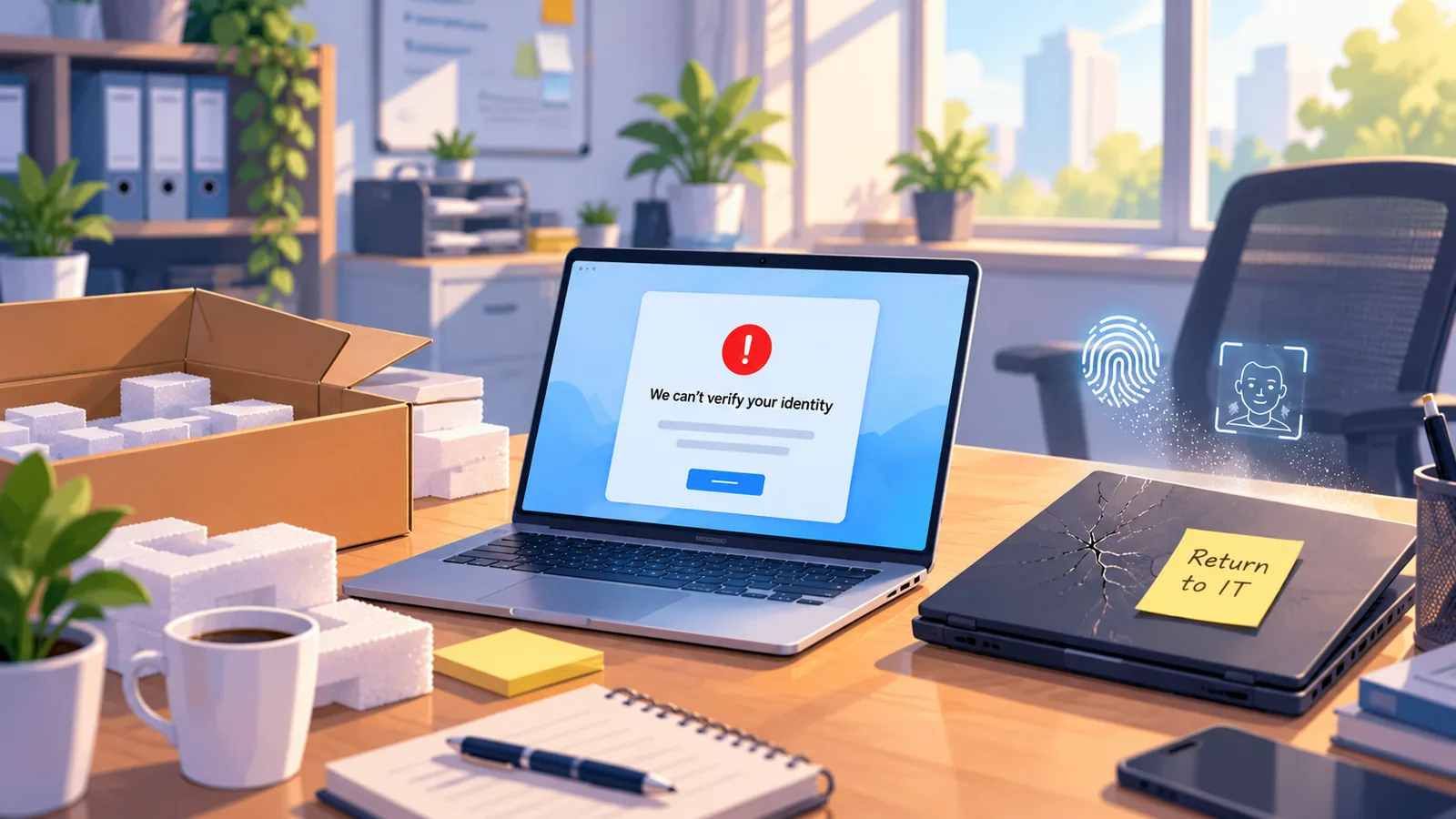
If you've renewed a cyber insurance policy in the last year, you've probably noticed the questionnaire got a lot longer. It used to be "do you use multi factor authentication?" Now it's closer to "show us the audit log proving MFA was enforced on every account, including admins, on the day the incident happened."
That change is catching a lot of small businesses off guard. Insurers made the shift because they got burned paying out claims where MFA existed on paper but wasn't actually turned on everywhere. There's a well-known case where a company incurred $18.3M CAD in recovery costs after its cyber insurer denied its claim because MFA had been flagged internally as required years earlier, but the rollout was only partial. To the insurer, partial doesn't count.
The Microsoft 365 blind spot
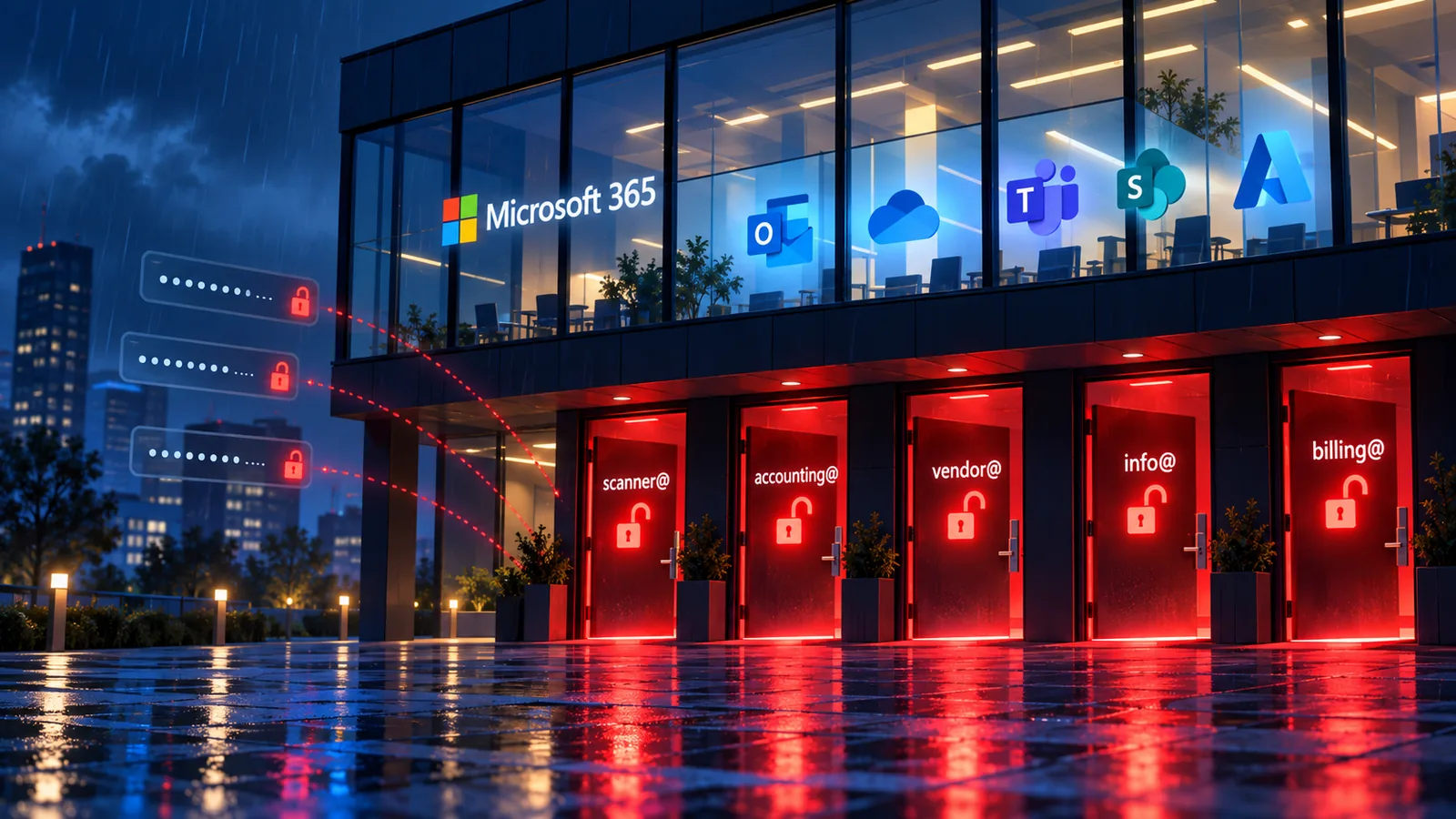
Here's where it gets specific to the tool almost every small business already owns. A lot of owners assume that because they pay for Microsoft 365, security is handled, MFA included. What actually happened, in most cases, is that IT (or whoever set things up years ago) turned MFA on for a few leadership accounts and left everyone else on the default settings. The license gave you the capability. Nobody went back and turned on enforcement for the whole company.
That gap matters more than it used to, because the attacks aimed at it have gotten a lot sharper. Most phishing emails circulating right now contain AI-generated content, and they don't read like the clumsy, typo-filled scams your team learned to spot in a training video a decade ago. They read like a real vendor. A real client. A real coworker, sometimes with a cloned voice on the phone to back it up. These attacks land a click roughly four times as often as older phishing attempts, and once someone clicks, they're several times more likely to actually hand over a password. Business email compromise, where someone impersonates an executive or a vendor to redirect a payment, cost businesses billions in reported losses last year. It almost always starts with one inbox that didn't have MFA enforced.
Put those two things together: insurers now demanding proof of full enforcement, and attackers getting much better at finding the accounts that don't have it. A lot of small businesses are carrying more risk than they think, on both ends. A policy that might not actually pay out, and a real shot at the incident it was supposed to cover in the first place.
It's not just MFA
MFA gets most of the attention, but it's really just the most visible piece of a bigger pattern that insurers, and attackers, are both paying attention to now.
Admin accounts with no separation. If the same login someone uses to check email also has global admin rights in Microsoft 365, one phished password is all it takes for a full takeover. That's increasingly something underwriters ask about by name.
Forwarding rules nobody's looked at in years. A quiet mailbox rule that silently forwards finance emails to an outside address is one of the most common things investigators find after a BEC incident. Almost never before.
Stale or excessive licenses and permissions. Former employees, old vendors, apps someone approved once and forgot about.
No documentation. Plenty of businesses actually have the right controls in place but can't produce the audit trail an underwriter, or an incident response team, would ask for.
None of this shows up on a normal Tuesday running your business. It shows up during an audit, a denied claim, or an incident report. Which is about the worst possible time to find out.
What to actually do about it
Fixing most of this doesn't take an enterprise security budget. It's mostly configuration you already have access to, it's just never been checked by someone who knew what to look for. The hard part is that most owners don't actually know where they stand until something forces the question, a renewal, an audit, or an incident.
That's the gap our Microsoft 365 Security Assessment is designed to close. It's a short, no-obligation look at where you actually stand, with a plain-English list of what to fix at the end. Whether you have us do the fixing or not.