IT Support · Small Business Technology · Cybersecurity
7 Signs Your Business Has Outgrown DIY IT Support
By Tom Daugherty · August 4, 2026
7 Signs Your Business Has Outgrown DIY IT Support
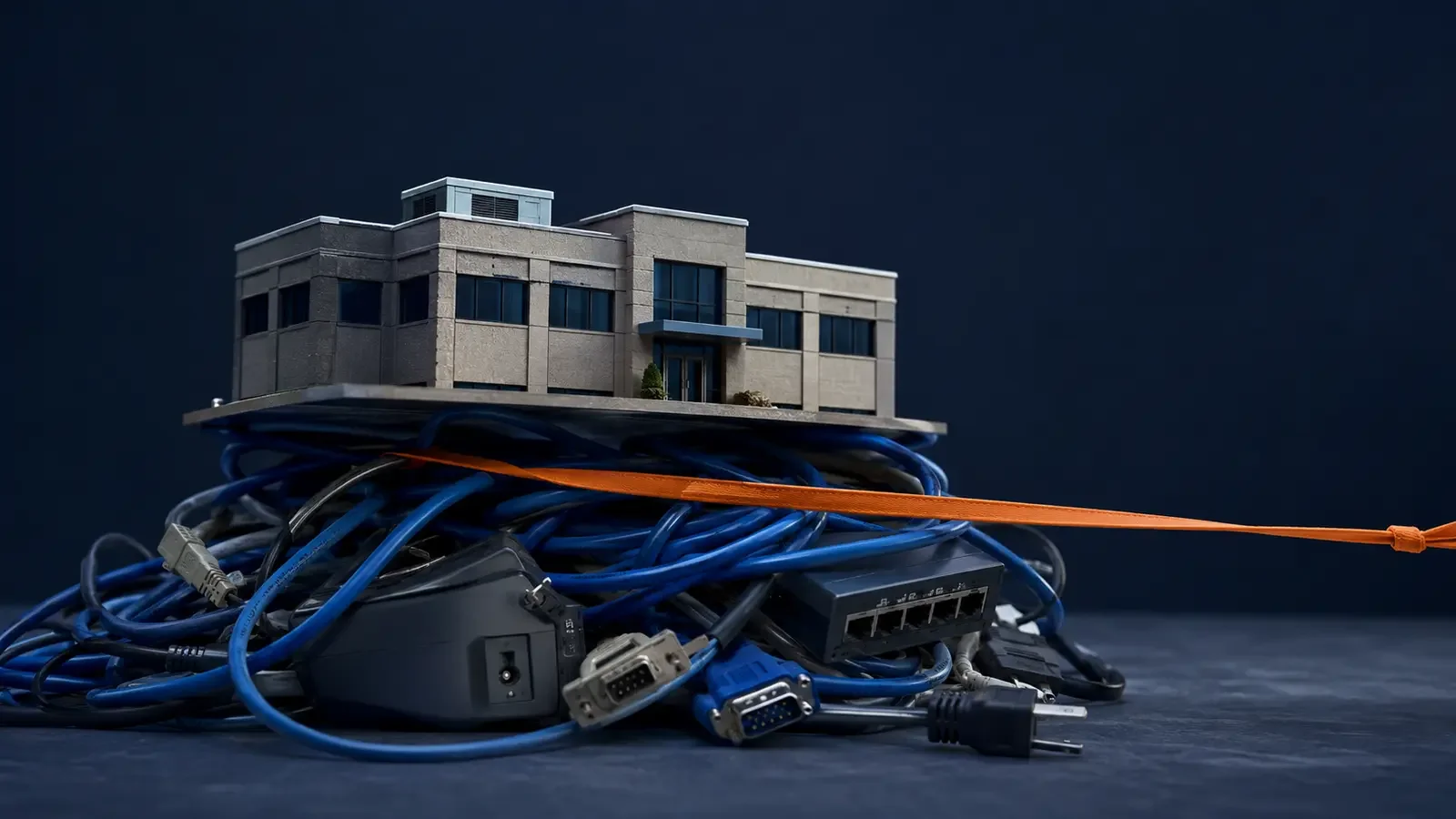
Most small businesses do not begin with a formal IT department.
Someone sets up the first laptops. The owner creates the email accounts. A tech-savvy employee connects the printer. A friend helps with the Wi-Fi. When something breaks, the team searches for an answer or calls a repair company.
That approach is understandable, and it may work well during the earliest stage of a business. The trouble is that technology rarely stays simple. More employees create more accounts. More applications create more passwords and permissions. Customer information becomes more valuable. A few small inconsistencies gradually turn into repeated interruptions and avoidable risk.
The question is not whether your team can solve a technology problem. It is whether solving technology problems has become an inefficient use of the team’s time.
Here are seven signs your business may have outgrown do-it-yourself IT support.
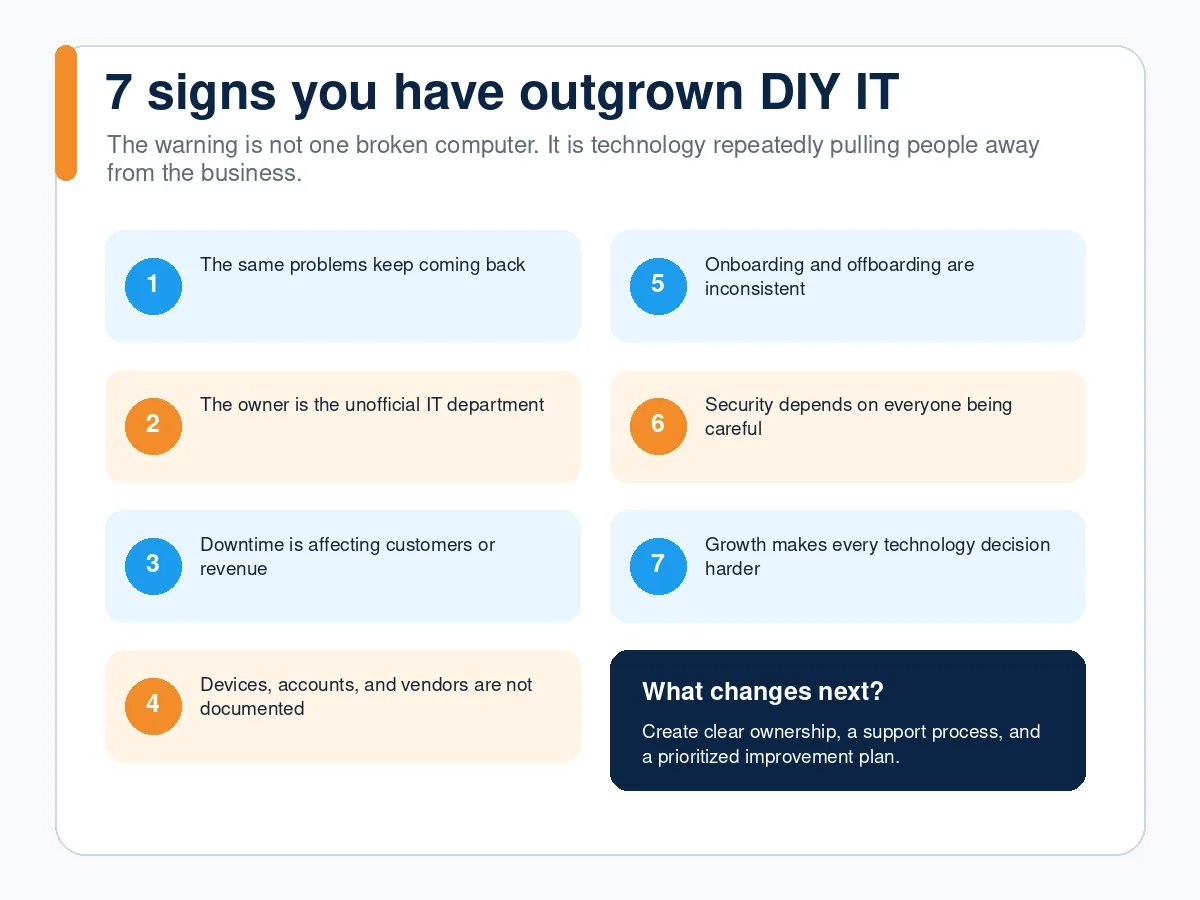
1. The same problems keep coming back
A computer that becomes slow every few weeks. Wi-Fi that drops in the same part of the office. Employees who repeatedly lose access to shared files. A printer that works for some people but not others.
Recurring problems usually mean the underlying cause has not been addressed. The immediate workaround gets everyone moving again, but the business keeps paying for the same interruption.
Professional IT support should do more than close the current request. It should identify patterns, document the cause, and determine whether a change in configuration, equipment, process, or training can prevent the issue from returning.
2. The owner, or one employee, has become the unofficial IT department
Every small business has a person others ask for help. That person may be the owner, office manager, bookkeeper, operations lead, or simply the employee who is least intimidated by technology.
The hidden cost is not only the time spent fixing computers. It is the work that person is not doing.
If your best salesperson spends an hour troubleshooting email, the business loses an hour of selling. If the office manager handles every password reset, onboarding task, and printer issue, important administrative work gets delayed. If the owner is answering technology questions at night, IT has become an operational distraction.
The point is not that employees should never help one another. It is that routine support needs a dependable owner and process.
3. Downtime is affecting customers or revenue
Technology problems become business problems when employees cannot answer customers, access schedules, prepare estimates, process payments, retrieve documents, or communicate with one another.
- Consider both obvious and hidden downtime:
- A full internet or server outage
- One employee unable to work for two hours
- A slow application that wastes ten minutes every day
- Repeated sign-in problems before customer meetings
- A shared mailbox nobody monitors consistently
- A backup failure discovered only after a file is lost
A business does not need a dramatic outage to lose meaningful time. Small interruptions across several employees can quietly become a substantial monthly expense.
4. Nobody has a complete list of devices, accounts, and vendors
Can your business quickly answer these questions?
- Which computers and mobile devices access business information?
- Who has administrator privileges?
- Which applications are still being paid for?
- Where are important files stored?
- Which company controls each domain, phone number, backup, and cloud account?
- How would the business regain access if the person who set everything up were unavailable?
If the answers are spread across personal inboxes, browser bookmarks, sticky notes, and one employee’s memory, the business has a continuity risk.
Basic technology documentation does not need to be complicated. It should identify critical systems, ownership, vendors, renewal dates, administrative access, and recovery contacts. Sensitive credentials should be stored securely, not typed into an ordinary spreadsheet.
5. Employee onboarding and offboarding are inconsistent
A new employee’s first day should not be spent waiting for email, software, or file access. Departing employees should not retain access to company systems because somebody forgot an application.
Inconsistent onboarding creates lost productivity. Inconsistent offboarding creates security and data-retention risk.
A repeatable process should cover:
- Approved equipment and software
- Account creation and licensing
- Multi-factor authentication
- Access based on the employee’s role
- Security expectations and basic training
- Return of equipment
- Removal or transfer of access
- Preservation of required business records
When the process is documented, the business can move faster and avoid relying on memory during an already busy transition.
6. Security depends on employees “being careful”
Employees absolutely play a role in security, but caution is not a complete security program.
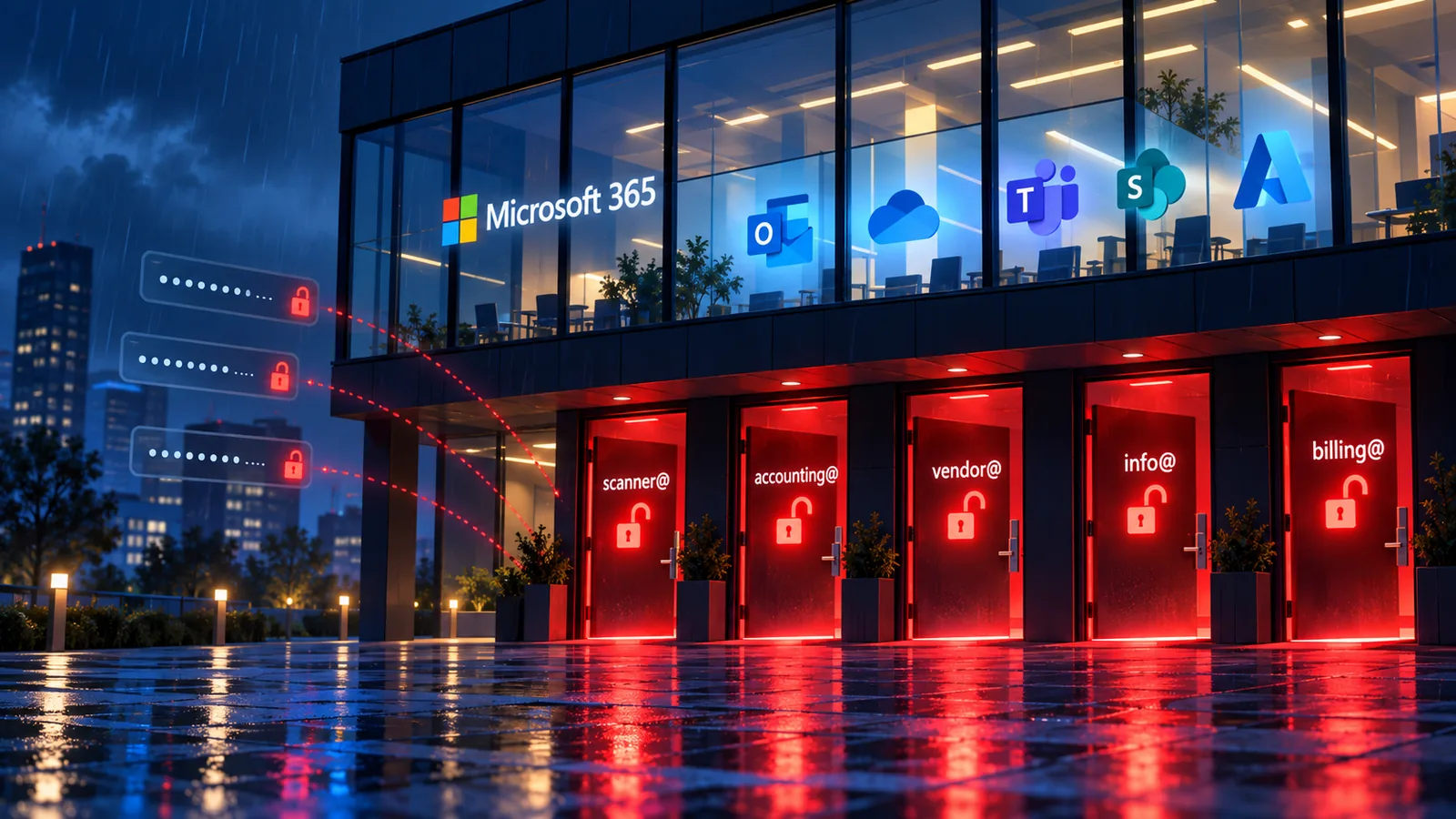
People are busy. Convincing phishing messages can look like a request from a customer, vendor, executive, or Microsoft 365. Passwords are reused. Updates are postponed. A former employee’s access is missed. A backup silently stops working.
The Federal Trade Commission recommends practical safeguards including regular updates and backups, strong passwords, encryption, multi-factor authentication, employee training, and an incident response plan.
Your business should not rely on every person recognizing every threat. Technology and process should reduce the chance that one mistake becomes a serious incident.
7. Growth or change makes every technology decision harder
Hiring employees, opening a second location, changing software, moving offices, supporting remote work, or adopting AI tools can expose the limits of an improvised setup.
Questions begin to pile up:
- Which licenses do we actually need?
- Can the current network handle more people?
- How should remote access work?
- Is our file structure still manageable?
- What customer information will the new application receive?
- How do we connect two systems without creating more manual work?
- What should we replace now, and what can wait?
Without a technology plan, decisions are often made one purchase at a time. That can create overlapping tools, unexpected costs, weak integrations, and more work for employees.
What should you do if several signs sound familiar?
If several of these problems are happening in your business, it may be time to stop treating IT as a collection of individual issues. The real challenge is often understanding which problems create the greatest risk, and what should be addressed first.
That does not mean replacing everything or committing to an expensive enterprise project.
Cracked Cloud can review your current technology, identify the issues costing your team the most time, and uncover security or continuity gaps that may otherwise go unnoticed. From there, we’ll create a practical, prioritized plan based on your business, budget, and immediate needs.
Whether you’re dealing with recurring support problems, uncertain backups, inconsistent employee access, or technology nobody fully understands anymore, we can help you bring it under control.
DIY, occasional support, or managed IT?
The right support model depends on your environment.
Managed IT makes more sense when technology is essential to daily work, support needs are recurring, security responsibilities are unclear, or the business wants predictable ownership rather than starting from scratch every time a problem appears.
Cracked Cloud provides local and remote managed IT services in Palm Bay, Melbourne and the surrounding Space Coast, as well as remote services anywhere in the U.S.
If you recognize several of these warning signs schedule a free consultation or give us a call at 321-306-4424.
We will help you identify what deserves attention now, what can wait, and which support model fits the business.
Frequently asked questions
At what size should a company stop handling IT itself?
There is no universal employee number. The better indicators are complexity, sensitivity of data, dependence on technology, frequency of support needs, and whether internal troubleshooting is taking people away from their primary work.
Do we need managed IT if most of our applications are in the cloud?
Cloud applications reduce some infrastructure work, but Cloud does not mean “automatic. They do not manage employee access, device security, licensing, backups, vendor issues, onboarding, offboarding, or business processes by themselves.
Can we keep using our current vendors?
Usually, yes. An IT provider can often coordinate with internet, phone, software, copier, and line-of-business vendors. The important part is defining who opens cases, follows up, and owns resolution.
Do we need to fix everything at once?
Not at all. Improving your IT does not have to mean replacing every device, changing every system, or purchasing every service immediately.
Cracked Cloud can help you identify the most urgent problems and prioritize improvements based on risk, business impact, and your available budget. You can address the biggest concerns first, then work through the remaining improvements in practical phases.
Even if your budget is limited today, starting the process gives you a clear plan, and can help prevent a manageable issue from becoming a much more expensive emergency.