Cybersecurity · Small Business Technology
Is Your Email Landing in Spam, or Being Faked by Someone Else?
By Tom Daugherty · November 6, 2026
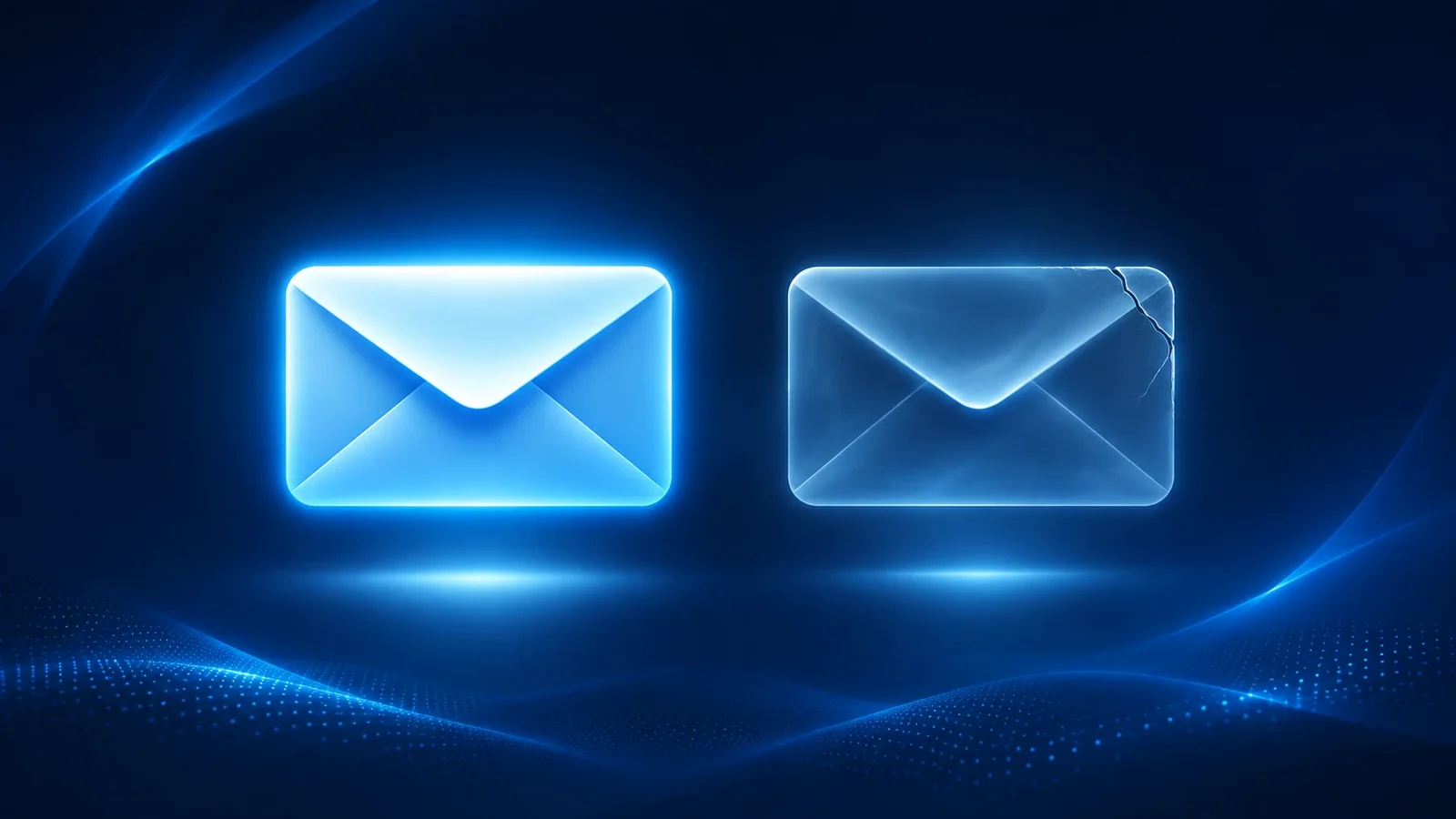
You send a proposal to a new client and never hear back. A few days later they tell you it was sitting in their junk folder the whole time. Or worse, a client calls to ask why you emailed them new wire instructions, and you didn't.
Both problems usually trace back to the same place. It's how your domain proves who it is to the rest of the internet. Most business owners have never looked at it, because nothing breaks in a way you'd notice. Email still goes out. It just isn't always trusted when it gets there.
Your domain has a reputation, whether you manage it or not
Every time you send an email, the receiving side (Gmail, Outlook, your client's Microsoft 365) decides whether to trust it. A big part of that decision comes down to three records on your domain called SPF, DKIM and DMARC. Together they tell the world which servers are allowed to send as you, prove a message wasn't altered on the way, and say what should happen to mail that fails those checks.
When they're set up correctly, providers can actually tie your email to your domain. Your good sending history starts counting in your favor, your domain looks more reputable, and your mail has a much better chance of landing in the inbox you sent it to. When they're missing or broken, you start every email at a disadvantage.
This isn't optional anymore, either. Google requires every sender to Gmail to have SPF or DKIM in place, and requires all three for anyone sending in volume. Microsoft followed with similar rules for Outlook.com in 2025, sending mail from domains that don't comply straight to junk.
The same gap lets people pretend to be you
These records don't just help your mail get delivered. They also decide whether someone else can send email that looks like it came from your domain. Without them, there's little stopping an attacker from putting your address in the "From" line and emailing your clients, your vendors or your own accounting team.
That's the starting point for a lot of business email compromise, where someone poses as a trusted contact to redirect a payment. It's one of the most expensive crimes out there. The FBI's latest Internet Crime Report puts business email compromise losses for 2025 at about $3 billion, second only to investment fraud.
And then there are the lookalikes
Even a well-protected domain has a blind spot. It's the domains that look almost like yours. Swap an "l" for a "1," add a hyphen, change .com to .co. Attackers register these, set them up to pass email checks on their own, and use them to send fake invoices and payment requests. Security researchers have tracked a rise in these campaigns hitting finance, insurance, construction and legal firms.
Your own settings can't stop a domain you don't own. Most businesses don't even know if one is out there.
Why nobody notices
None of this comes with a warning. A missing record doesn't throw an error. Mail that goes to spam doesn't bounce back. A lookalike domain sits quietly until the day it's used. Most businesses find out after a lost deal, a confused client or a payment that went to the wrong account.
Check your domain in under a minute
We built a free tool to make this easy. Our Email Security Check looks at your domain's email authentication records and scans for lookalike domains that could be used to impersonate you. You'll get a plain-English read on where you stand.
If something comes back wrong, that's the work Cracked Cloud does every day. Getting these settings right without breaking the tools that send mail for you (your CRM, your invoicing system, your website forms) takes some care, and we're happy to help.
Run the free Email Security Check
Sources
- Google, Email sender guidelines
- Microsoft Tech Community, Strengthening Email Ecosystem: Outlook's New Requirements for High-Volume Senders
- Tom's Hardware, $21 billion stolen from more than 1 million Americans due to cybercrime in 2025
- Infosecurity Magazine, Cybercriminals Expand Use of Lookalike Domains in Email Attacks