Artificial Intelligence · Microsoft 365 · Cybersecurity
Copilot Will Find Every File You Forgot You Shared
By Tom Daugherty · October 28, 2026
Microsoft 365 Copilot is one of the easiest AI tools for a small business to say yes to. It's built into the apps your team already uses, it reads your email and documents, and it can answer questions in seconds that used to take an afternoon of digging.
That last part is exactly the problem.
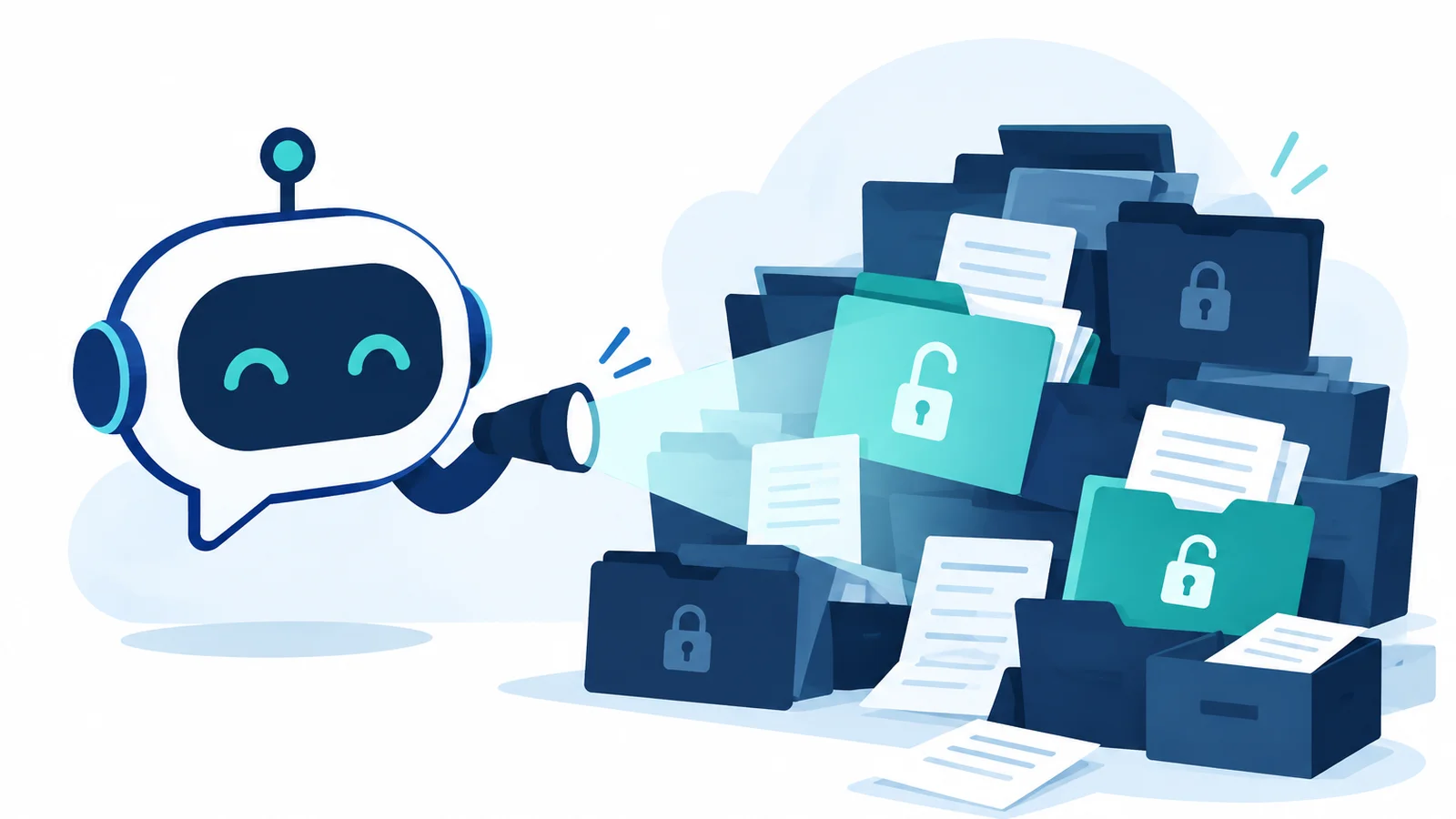
Copilot doesn't break your permissions. It follows them perfectly. If someone in your company can technically open a file, Copilot can find it, summarize it, and hand it to them in a chat window. The trouble is that most small business tenants are full of files people can technically open but were never meant to see.
The access was always there
Think about how sharing happens in a normal office. Someone needs a quick signature, so they share a folder with "everyone in the company" instead of one person. A SharePoint site gets set up years ago with broad access because it was easier. An HR spreadsheet lands in a team folder by accident. Nobody notices, because nobody goes looking.
Before AI, that kind of oversharing mostly stayed hidden. You'd have to know the file existed and know where to look. Now an employee can type "what are people in my department paid?" or "show me anything about layoffs" and Copilot will search everything they have access to on their behalf.
Microsoft knows this. Its own deployment guidance for Copilot starts with finding and fixing oversharing before rolling the tool out, including sites and files that are overshared, ownerless, inactive, or hold sensitive data Copilot could surface. When the vendor's first instruction is "clean up your permissions," that's worth taking seriously.
It's more common than you'd think
One consulting firm that reviewed more than 700 Microsoft 365 tenants reported that 40 to 60 percent of SharePoint sites had at least one oversharing problem, and 15 to 25 percent of document libraries had broken permission inheritance. In plain terms, a big chunk of the average company's files are open to more people than anyone intended.
For a law firm, a CPA practice, a medical office or a title company, that's not just awkward. It can mean client files, tax returns, patient records or closing documents showing up in front of staff who have no business seeing them.
Why small businesses get caught out
Large companies usually have a data governance team. Small businesses usually have whoever set up SharePoint five years ago. The licenses get bought, Copilot gets switched on, and the first time anyone learns about the permission issues is when an employee asks a question and gets a surprisingly specific answer.
And Copilot is only the start. Microsoft is pushing AI agents that can act across your data too, and they inherit the same access problems.
Get the house in order first
This is fixable, and it's far cheaper to fix before rollout than after something sensitive gets surfaced. The hard part is that it isn't a settings change. It means going through years of SharePoint sites, Teams, OneDrive folders and sharing links, figuring out who actually needs what, and tightening access without breaking how your team works every day.
That's the kind of project Cracked Cloud takes on. We work through your tenant site by site, track down the overshared files and forgotten links, clean up who has access to what, and make sure sensitive information stays in front of the right people. When we're done, your team can turn Copilot on knowing it will only surface what each person is supposed to see, and you'll have guardrails in place so the mess doesn't creep back.
Already turned on Copilot? Don't panic, but it's worth having someone take a look sooner rather than later.
Whether you're planning a rollout or already using it, let's talk. Book a free 30-minute intro call at cracked.cloud/book and we'll walk through what a cleanup would look like for your business.