Cybersecurity
You’ve secured your employees. What about all the other accounts?
By Tom Daugherty · September 29, 2026
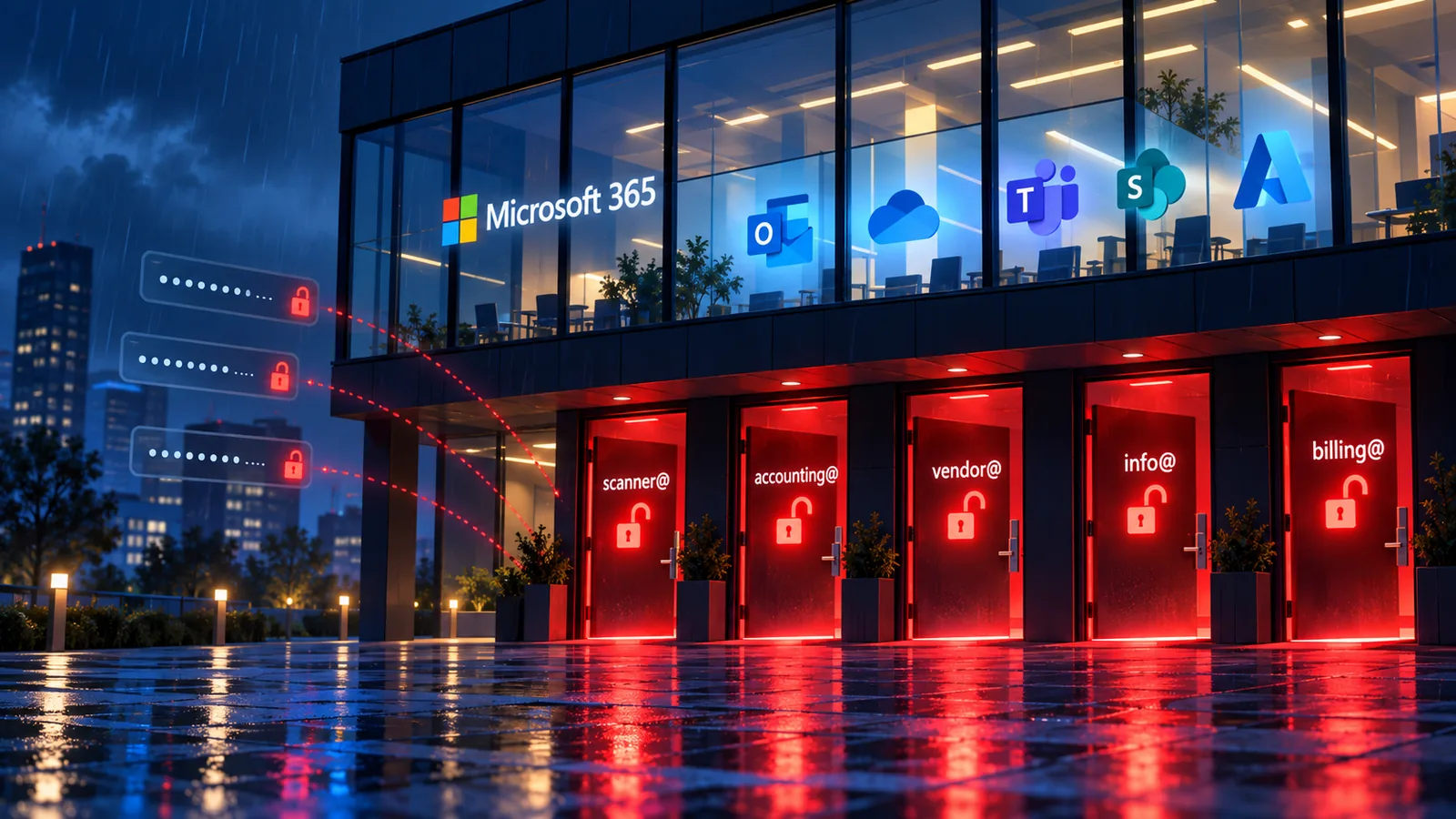
On September 24, The Hacker News reported on new Proofpoint research into a password-spraying campaign. The attackers used a tool called TeamFiltration against more than 5,700 Microsoft 365 accounts across 28 Microsoft 365 tenants. That's a lot of doors to try. In the end they got through 7 of them. (The Hacker News)
The part that should get your attention is who those 7 accounts belonged to: nobody. Every one was an unmanaged service or functional account, not a person. They were still using default or never-changed passwords, and none had MFA turned on.
Almost every small business has accounts like these:
- The scanner mailbox
- An old "accounting@" login
- Something a vendor set up years ago
Nobody owns them, so nobody notices when a stranger starts using one. No employee gets a strange MFA prompt, because there's no MFA. No one reports a weird login, because no one is watching that login. According to Proofpoint, the attackers used these accounts to reach Office, OneDrive, Teams, SharePoint and the Azure Portal. That isn't a side door into a closet. That's the whole building.
What happened
This wasn't a clever operation. Proofpoint says it was aimed mainly at retail and financial companies in Chile, but the method was about as blunt as it gets. Proofpoint tracked three waves of activity between July 21 and August 16, 2026, coming from 1,487 different Amazon cloud IP addresses. The attackers tried likely passwords against thousands of accounts and waited to see what worked.
Seven accounts were breached, all of them non-human. Six of the seven fell within about seven minutes of each other. That kind of speed points to shared default passwords, the same starter credentials set on multiple accounts and never changed. Less than two minutes after getting in, the attackers switched to a VPN server in Germany to keep going.
The attackers didn't need to beat anyone's security. They found the accounts that didn't have any.
Why these accounts slip through
None of this happens because someone was careless on purpose. These accounts pile up over years of normal business:
- Vendor-created logins. A copier company, a software vendor or a former IT provider sets up an account to get something working. The project wraps up, the account stays, and the password is whatever they typed that day.
- Apps and devices that need a user account. Some older software and equipment can only sign in as a regular user, so an account gets created just for them, often without MFA.
- Shared mailboxes nobody thinks of as logins. "info@" and "billing@" feel like inboxes, not accounts. Depending on how they were set up, they can still be a way in.
- Security exceptions made "just to get it working." A policy breaks something, someone adds an exception to fix it, and that exception never gets revisited. The account quietly ends up with none of the protection the rest of your company has.
The common thread is ownership. When an account doesn't belong to a person, it doesn't belong on anyone's to-do list, and that's exactly why attackers go looking for them.
Do you know what's in your tenant?
Here's the honest question for any business owner reading this: if I asked you right now how many accounts in your Microsoft 365 environment aren't tied to a real person, could you answer?
Most people can't, and that's not a knock on anyone. Your tenant has probably been touched by several vendors, a couple of IT people and years of quick fixes. Nobody has a complete picture, and the gaps are hard to see from the inside.
That's what our security assessment is for. We'll go through your Microsoft 365 and Entra ID environment and show you, in plain language, where you stand. Which accounts nobody owns, where MFA isn't actually protecting you, and which old exceptions are leaving doors open. You get a clear picture of your risk and what should be fixed first.
The businesses in this report didn't find out about their forgotten accounts until someone else did. You can find yours first.