Cybersecurity · Microsoft 365
Your Laptop Now Counts as MFA. Make Sure It Isn't Your Team's Only Way In
By Tom Daugherty · October 21, 2026
Microsoft is changing how Entra ID treats Windows Hello for Business and Mac sign-ins, and the rollout finishes by mid-December 2026. For most small businesses it's a good change. It also makes one specific failure much more likely, and it's easy to prevent if you check a couple of things now.
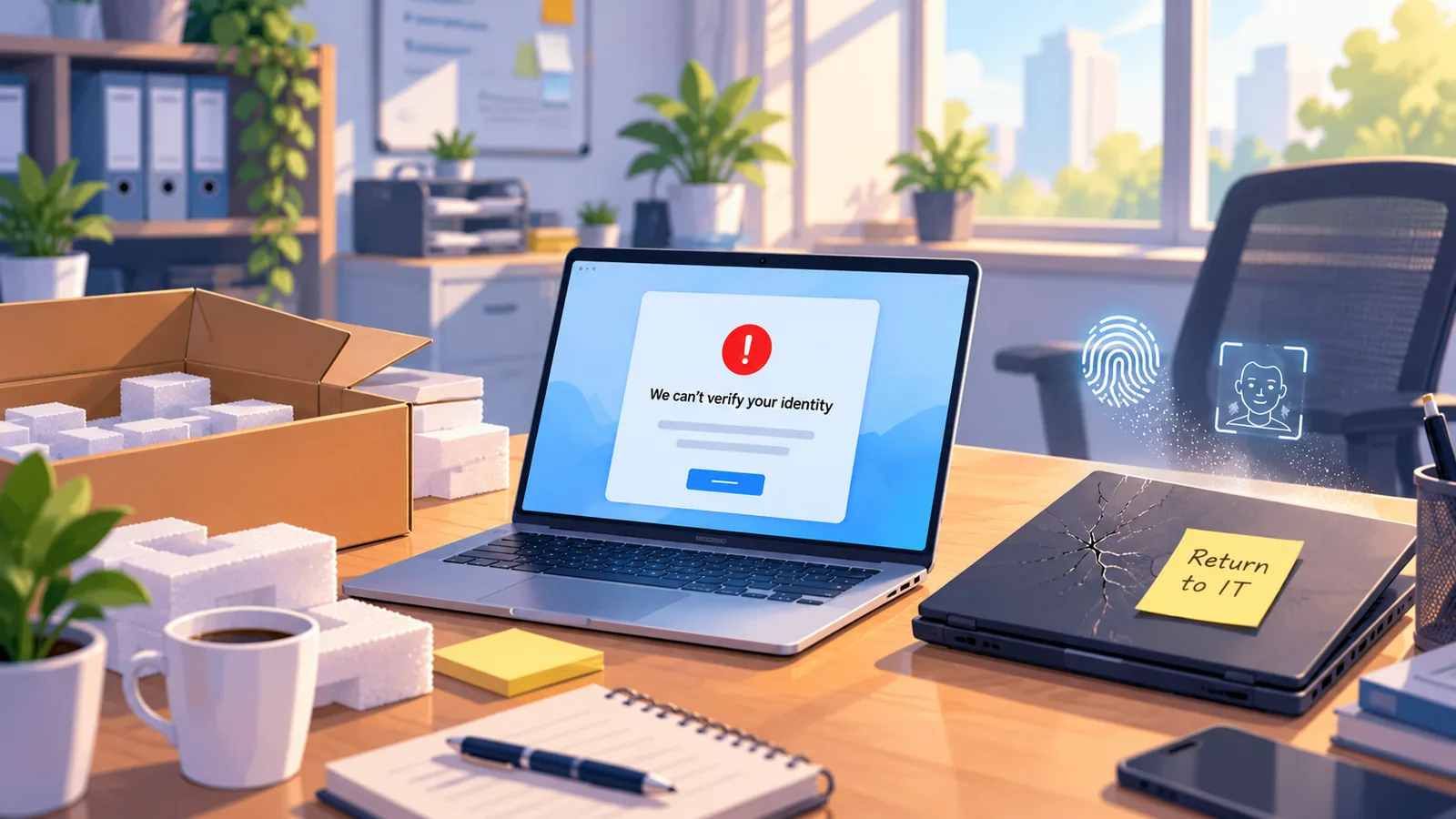
Here's the failure. Your office manager's laptop dies on a Monday morning. A replacement shows up by lunch. She tries to sign in to Outlook and gets asked for MFA, and she has nothing to give it, because the only second factor she ever had was the laptop that's now in a box.
That's an annoying morning for her. For you, it can be worse, and I'll explain why below. First, what Microsoft actually changed.
What changed
Entra ID now counts Windows Hello for Business and macOS Platform SSO as full MFA on their own. Microsoft announced it on the Microsoft 365 Roadmap (ID 568076) and in Message Center post MC1450134, last updated October 13, 2026.
Until now, a user who signed in with their face, fingerprint or PIN on a Windows PC could still get a second prompt. That happened when a Conditional Access policy asked for a specific authentication strength, when an app asked them to step up, or when a sign-in frequency check kicked in. After this change, that Windows Hello or Mac sign-in is enough to satisfy those checks.
The rollout started in early October 2026 and should finish by mid-December, a little later than the late November date Microsoft first gave. Users will see these credentials in My Security Info as passkeys that were registered automatically.
According to Microsoft, there's nothing for you to configure. That's exactly why it's easy to miss.
Why this is mostly good news
I want to be clear that I like this change. Windows Hello for Business is one of the strongest sign-in methods you can give a small team.
The credential lives on the device and is unlocked with a face, a fingerprint or a PIN that never leaves the machine. There's no code to read off a phone, so there's nothing for a fake login page to capture and replay. And your staff get fewer prompts, which means fewer people trained to tap "Approve" on everything without reading it.
Keep using Windows Hello. Just make sure nobody on your team is relying on it alone.
One device, one way in
Windows Hello and Platform SSO are tied to a single physical device. That's a big part of why they're secure, and it's also the problem.
Once this change lands, a user whose only MFA method is Windows Hello counts as fully MFA-ready. Entra will no longer prompt them to register anything else. So you can end up with people who have exactly one way to prove who they are, and it's sitting on one laptop.
That laptop eventually gets lost, stolen, dropped, wiped or replaced. When it does, that person can't complete MFA anywhere else. Not on the new laptop, not on their phone, not from home.
Why a lockout becomes a security problem
A locked-out employee calls whoever handles IT and asks to have their MFA reset. They're stressed, they have work waiting, and maybe the owner is leaning on the help desk to get them back in fast.
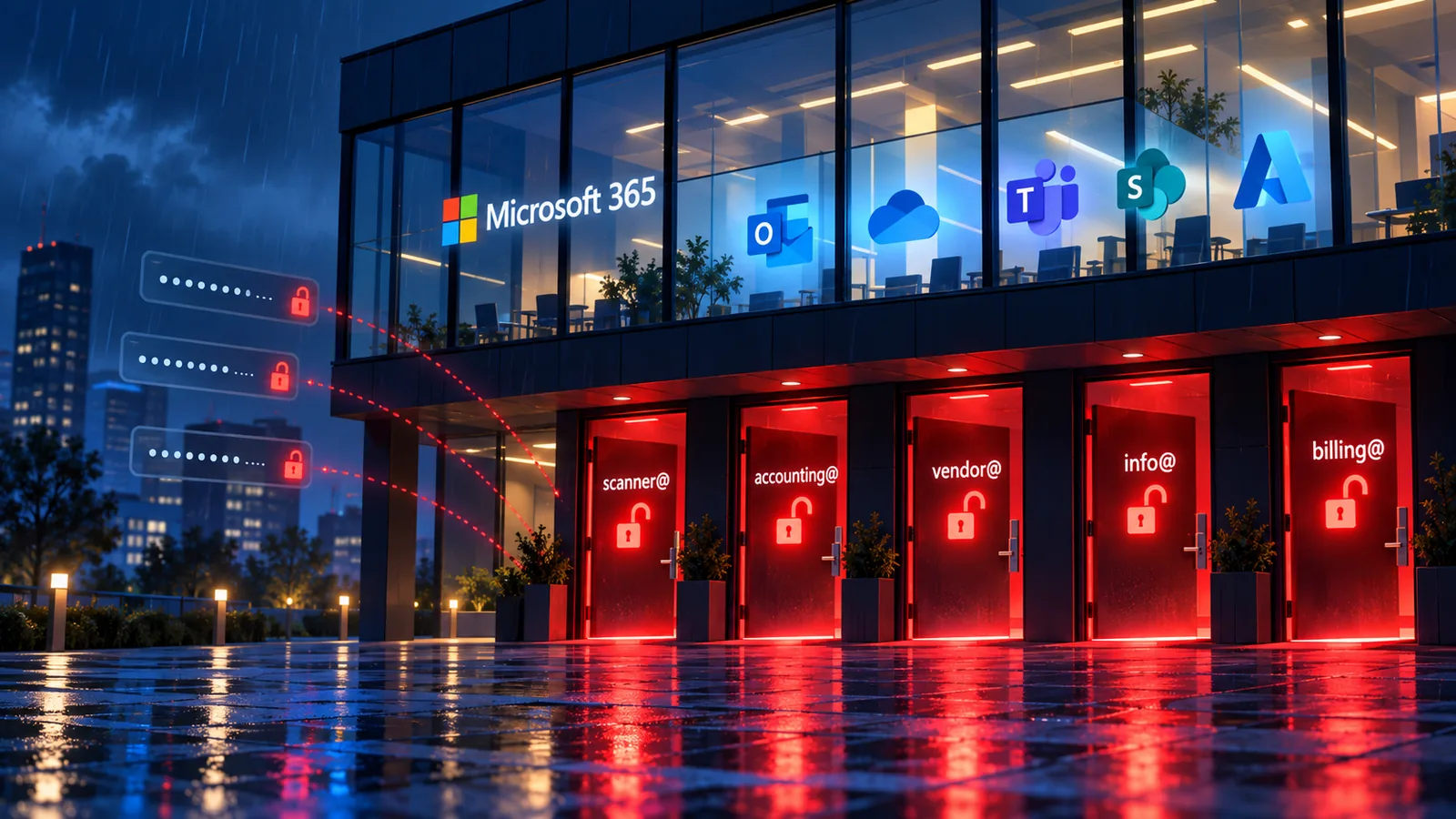
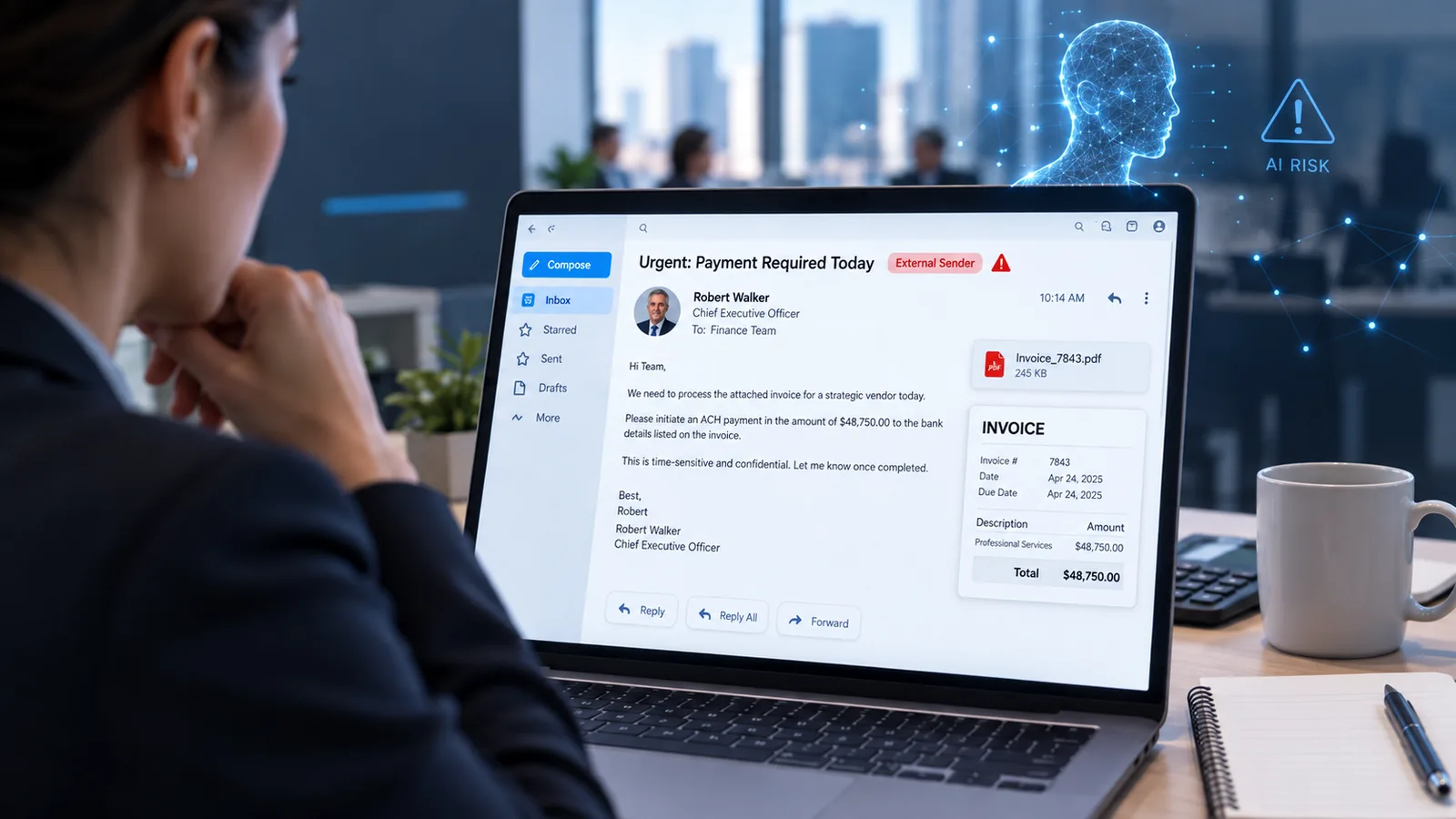
Attackers know that's a weak moment. Groups using the ShinyHunters name have built whole campaigns around it. Earlier this year, Mandiant reported attackers calling employees while pretending to be IT staff, collecting their sign-in details and MFA codes, and then registering their own device for MFA. Mandiant also warns that these groups call help desks directly to push through password resets and MFA changes.
The more often your people get legitimately locked out, the more normal an urgent MFA reset call feels. That's the habit an attacker takes advantage of.
Three quick things to check
You can start on these today, and they'll head off the most common lockout.
- Find anyone with only one MFA method. Entra has a report that shows this. It's a bit buried, so if you can't find it, we're happy to help.
- Give everyone a backup. Each person should have at least one method that isn't tied to their laptop, like the Microsoft Authenticator app on their phone.
- Add it to onboarding. Make "register a backup method" a day-one step for new hires, since Entra won't remind them anymore.
The harder part is everything underneath. Your Conditional Access policies, authentication strength settings, how device swaps get handled, and whether there are gaps where people can skip MFA without anyone noticing. That depends on how your tenant was built. Get a policy wrong and you can lock out the whole office in one click. That's the work Cracked Cloud does every day, and it's where a second set of eyes pays for itself.
Write down one rule for MFA resets
Even with backups in place, someone will eventually call and say they're locked out. Decide now how that call gets handled, so nobody makes it up under pressure.
The rule I recommend is simple, and Mandiant gives the same advice. Never reset a password or MFA without first calling the person back at a known good phone number. Don't use the number the caller gives you, and don't accept "I'm calling from my personal phone."
Writing the rule takes five minutes. Making it stick takes longer. It has to apply to everyone (including the owner), the phone numbers on file have to stay current, and your staff need to know it exists so a caller who pushes back stands out.
We help clients put a reset process in place that holds up under pressure, so the help desk isn't guessing when a call like that comes in.
Not sure where your tenant stands?
If any of this made you wonder how your own team signs in, it's worth a conversation before the rollout wraps up in mid-December. At Cracked Cloud we spend our days in Entra ID and Microsoft 365. We'll find who's at risk of getting locked out, close the gaps in your sign-in policies, and leave you with a reset process your team can actually follow.
Reach out to Cracked Cloud and we'll take a look. It's a lot easier to fix this now than on the Monday morning someone can't sign in.
Sources
- Microsoft 365 Roadmap (ID 568076), Windows Hello for Business and macOS Platform Single Sign-on can now be used as a second factor for MFA
- Microsoft Message Center MC1450134 (updated October 13, 2026; confirm in your own tenant's Message Center)
- Mandiant, Tracking the Expansion of ShinyHunters-Branded SaaS Data Theft (January 30, 2026)
- Mandiant, Proactive Defense Against ShinyHunters-Branded Data Theft Targeting SaaS (January 30, 2026)